01 / LITTLE RIDER ADVENTURESFREE DOWNLOAD

Adventure Awaits
Big skies. Little rider. Let’s go.

JPG · 2.3 MBOpen Adventure Awaits image

FREE IPAD WALLPAPERS / A GIFT FROM KIDMOTO
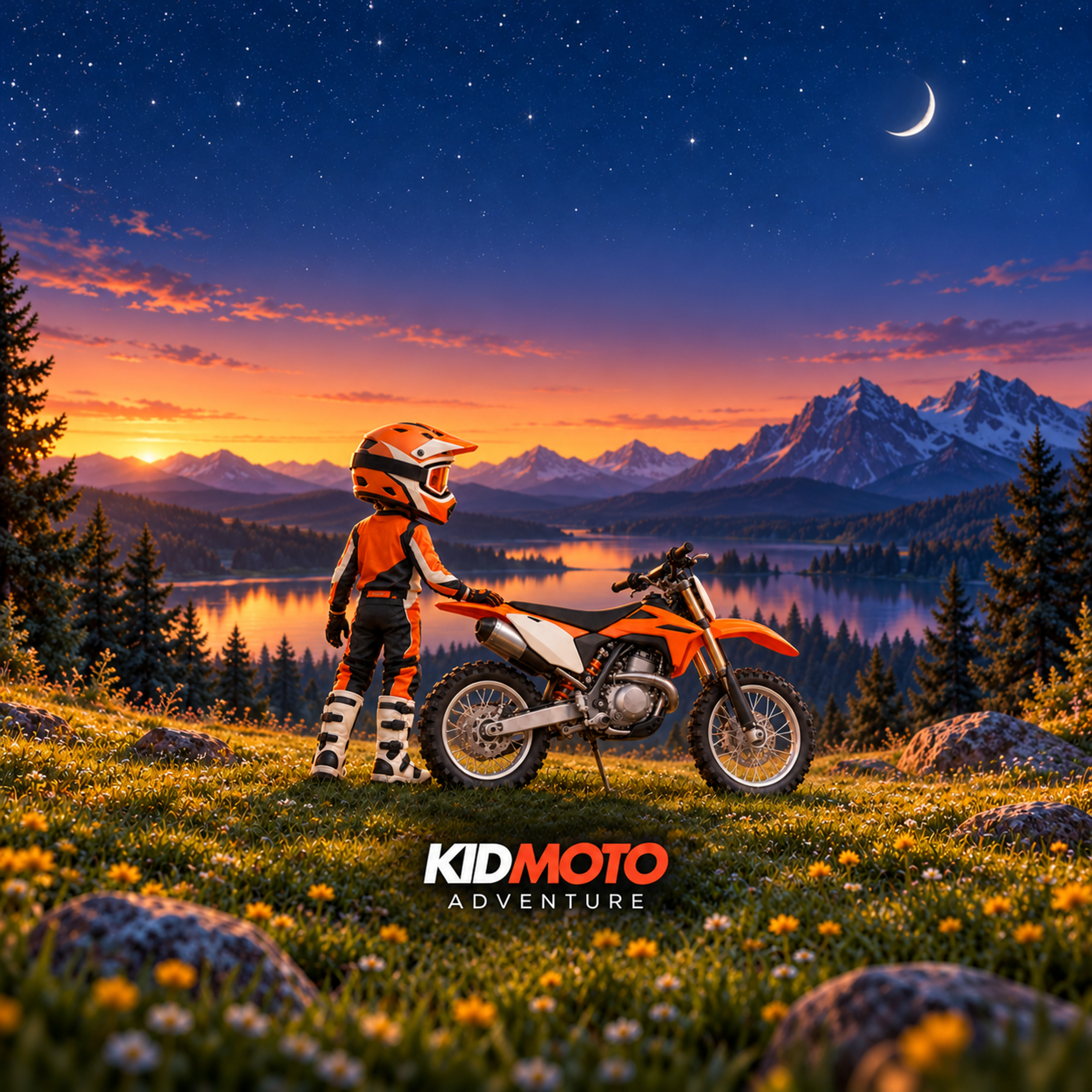
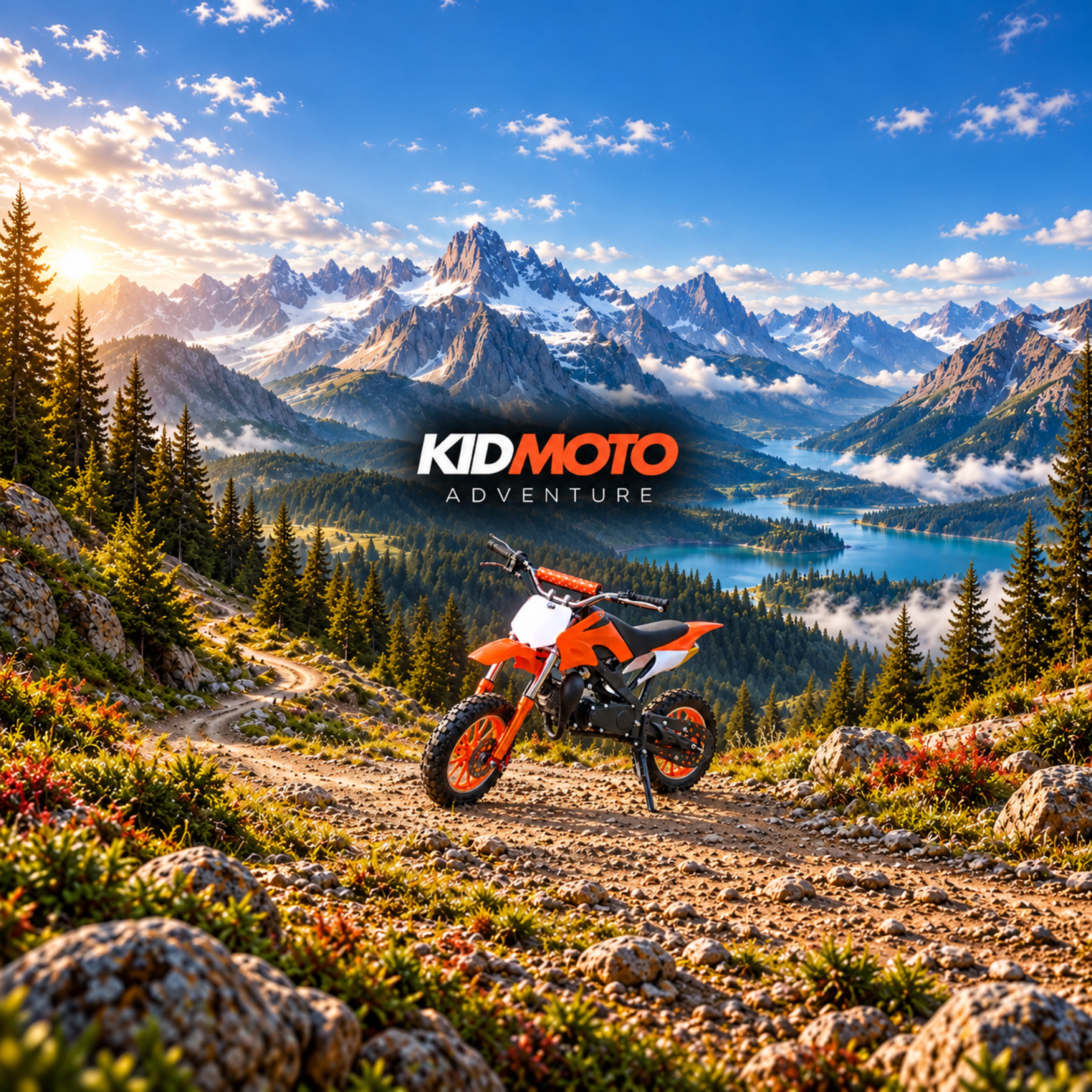
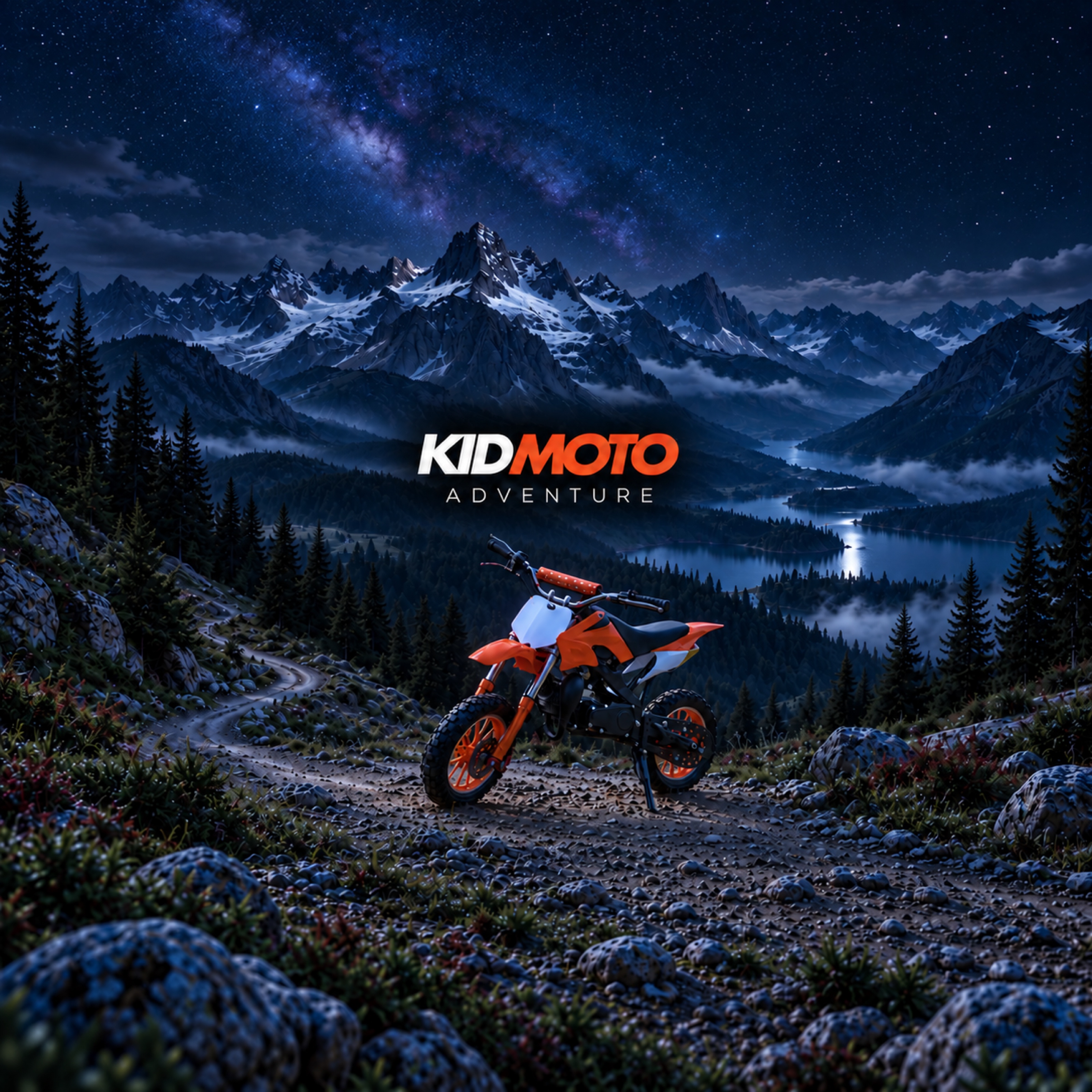
Free iPad wallpapers for your little adventurer. Choose a mountain escape or take the little rider along. Four little adventures, ready for your screen.
Yours to enjoy. No sign-up or purchase needed.
How to set your wallpaperMEET YOUR ADVENTURE BUDDY
The little rider from our Where to Ride guide, with two adventures of his own.
Big skies. Little rider. Let’s go.
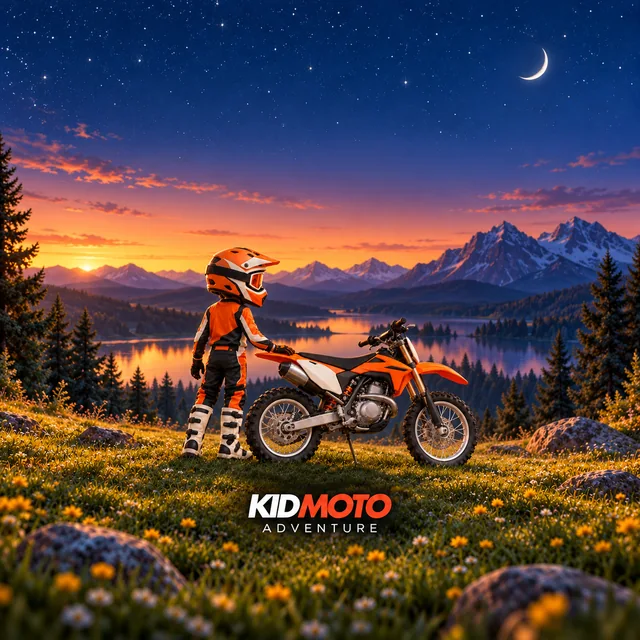
A little pause beneath the stars.
A WINDOW TO THE OUTDOORS
Wide-open mountains. Lakeside daydreams. Pick your favourite time of day.
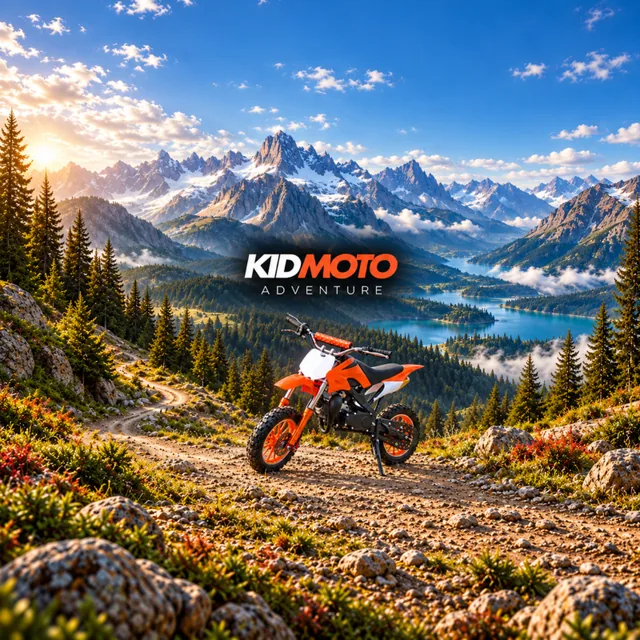
Blue skies. Big adventures.
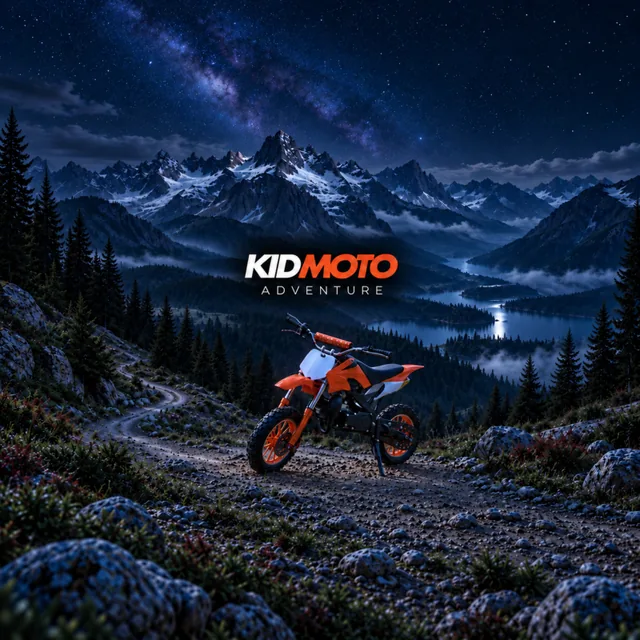
Little bike. A sky full of stars.
Four illustrated still images. Tablet previews show example crops; framing varies with your iPad and settings. Check your favourite with your iPad upright and sideways.
PICK IT. SAVE IT. MAKE IT YOURS.
Grab your iPad and choose your favourite. A grown-up can help with the setup.
Tap the Open image link beneath your favourite wallpaper above. Touch and hold the image, then save it to Photos. If you downloaded it to Files, open it and use Share → Save Image.
Go to Settings → Wallpaper → Add New Wallpaper → Photos and choose your saved image. On older iPadOS versions, look for Choose a New Wallpaper.
Pinch and drag to frame the scene, then tap Add. Choose Set as Wallpaper Pair for both screens, or customise your Home Screen. Check the view with your iPad upright and sideways.
Menu wording can vary by iPadOS version. See Apple’s wallpaper guide